
Web and Mobile Development – Latest Trends & Innovations 2025
Cross-Platform Development
- Instead of building separate apps for Android and iOS, developers use frameworks like Flutter and React Native.
- Saves time, reduces cost, and ensures consistent performance across devices.
Progressive Web Apps (PWAs)
- PWAs behave like apps but run in a browser.
Example: You can “install” them on your phone without downloading from Play Store or App Store.
- They work offline, load fast, and are cheaper to develop.
Twitter Lite → A PWA that uses 70% less data, loads quickly even on 2G.
Starbucks → Their PWA lets users browse menu & order offline; installs like a native app.
- Progressive Web Apps (PWAs) are not extensions.
- They are websites that behave like mobile apps.
Here’s the difference:
🔹 A browser extension is an add-on installed inside Chrome, Firefox, or Edge (like AdBlock, Grammarly).
🔹 A PWA is a website built with modern tech (HTML, CSS, JavaScript) that you can “install” on your device like an app.
Key Features of PWAs:
- Installable – You can add it to your home screen without going to the Play Store/App Store.
- Works Offline – Uses caching, so it loads even with poor or no internet.
- Fast & Lightweight – Uses less storage and data compared to native apps.
- Looks & Feels like an App – Has push notifications, full-screen mode, and app-like navigation.
✅ Example: Twitter Lite is a PWA. You can use it in your browser or “install” it as an app on your phone without downloading from the store.
👉 In short: A PWA is like a website that can live on your phone just like an app — but it’s not a browser extension.
Low-Code/No-Code Platforms
- Tools like Bubble, OutSystems, and AppGyver let businesses build apps without heavy coding.
- Helps startups and small companies create apps quickly.
What are Low-Code / No-Code Platforms?
They are tools that let you build applications quickly without writing too much traditional programming code.
Low-Code → You write some code, but most of the app is built using drag-and-drop components, pre-built templates, and automation tools.
No-Code → You dont need to write any code at all. Everything is visual — you connect blocks, drag elements, and set rules.
Why They’re Important?
Faster development → Build apps in weeks instead of months.
Cheaper → No need to hire a big coding team.
Accessible → Even non-programmers (like business managers) can create apps.
Scalable → Many platforms integrate with databases, APIs, and cloud systems.
Real Examples of Platforms
- No-Code:
Bubble → Build full web apps visually (used by startups for MVPs).
Glide → Turn Google Sheets into mobile apps.
Wix / Shopify → Drag-and-drop website & e-commerce builders.
- Low-Code:
OutSystems → Enterprise-level apps with minimal coding.
Mendix→ Used by large companies to speed up digital transformation.
Microsoft Power Apps → Build apps that connect with Office 365, Dynamics, and Azure.
Live Examples You See Everyday
Airbnbs early MVP → built with no-code tools before going fully custom.
Glide Apps → Small businesses creating booking apps, inventory trackers, or CRM without coding.
Banking & Insurance companies → use OutSystems and Mendix for customer apps faster.
👉 In short:
No-Code = Anyone can build apps.
Low-Code = Developers + business users build faster together.
Focus on User Experience (UX)
- Smooth navigation, dark mode, responsive design, and voice-based interfaces are becoming standard.
- Motion design and micro-animations make apps more engaging.
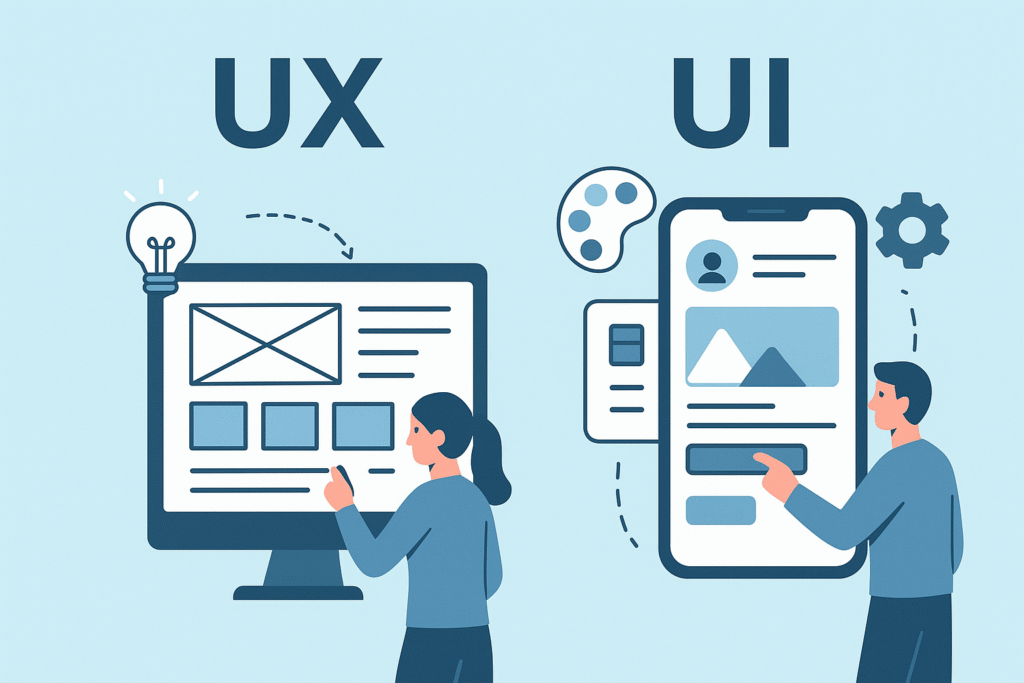
UI (User Interface)
What it is → The look and feel of an app or website.
Focus → Visual design, layout, colors, fonts, buttons, icons, animations.
Goal → Make the app attractive and easy to interact with.
✅ Example:
In Spotify, the green “Play” button, the black theme, and the album cover layout → that’s UI.
In Amazon, the search bar, product grid, and orange “Buy Now” button → all UI elements.
UX (User Experience)
What it is → The overall experience of a user when using the app or website.
Focus → Ease of navigation, speed, usefulness, and how satisfying it feels.
Goal → Make the app simple, smooth, and enjoyable.
✅ Example:
In Spotify, how easily you can search songs, create playlists, and discover new music → that’s UX.
In Amazon, quick checkout, easy returns, personalized recommendations → that’s UX.
Difference in Simple Words
UI = How it looks
UX = How it works / feels
Together (UI + UX)
When combined, UI and UX create a complete product:
A beautiful design (UI)
With a smooth, problem-free journey (UX)
👉 Example: iPhone apps → Apple focuses on minimalist UI + intuitive UX, which is why people find them both stylish and easy to use.
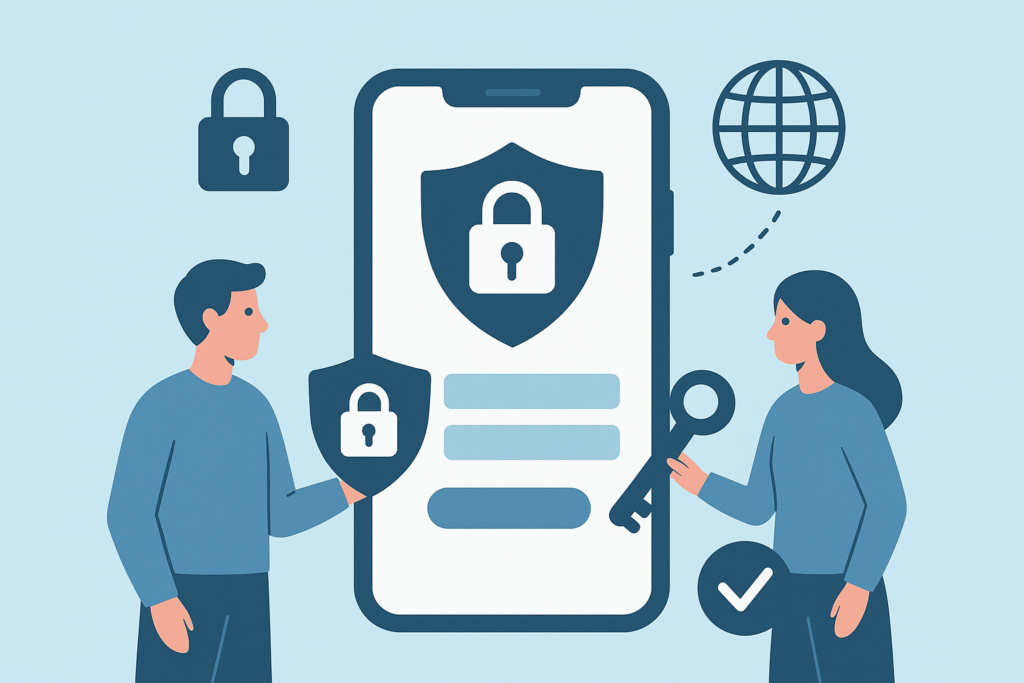
Security in Apps
- As mobile usage grows, so do threats.
- Biometric authentication (fingerprint/face ID), end-to-end encryption, and secure APIs are major innovations.
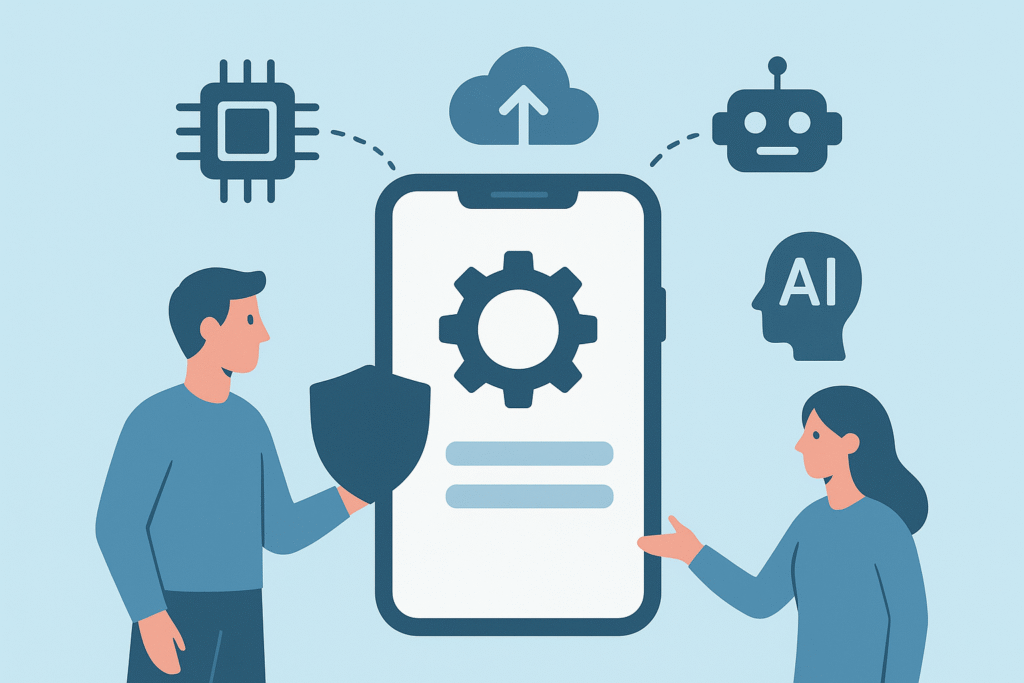
Integration with Emerging Tech
- AI: Chatbots, smart recommendations, image recognition.
- AR/VR: Virtual try-on apps, immersive shopping.
- 5G: Enables ultra-fast mobile experiences, especially for gaming and streaming.
E-commerce Innovations in Web & Mobile Development
- Progressive Web Apps (PWAs) for Shopping
- Alibaba: Their PWA increased conversions by 76%.
- Flipkart Lite (India): PWA led to 70% more conversions compared to their old mobile site.
- Mobile-First & Cross-Platform Apps
- Amazon: Single app works seamlessly across Android, iOS, and tablets.
- Myntra: Optimized mobile app ensures smooth navigation, personalized recommendations, and AR try-on for fashion.
- AI & Personalization
- Amazon: “Recommended for you” suggestions powered by AI.
- Nykaa (India): Uses AI for beauty product recommendations.
- AR/VR Shopping
- IKEA Place App: Lets users visualize furniture in their home.
- Lenskart (India): AR try-on for eyeglasses through mobile app.
- Seamless Payment Integration
- Amazon Pay, Google Pay, PhonePe integration inside e-commerce apps.
- One-click checkout & biometric authentication boost trust and speed.
- Voice & Chatbot Commerce
- Amazon Alexa: Users can order products by voice.
- Sephora: Chatbot on mobile helps users find products & book appointments.
- Security & Trust
- Flipkart, Amazon, Shopee use multi-layer security: OTPs, biometric login, fraud detection.
